
3D printing costs in 2026: the honest “why is my bill weird?” guide
6 min read
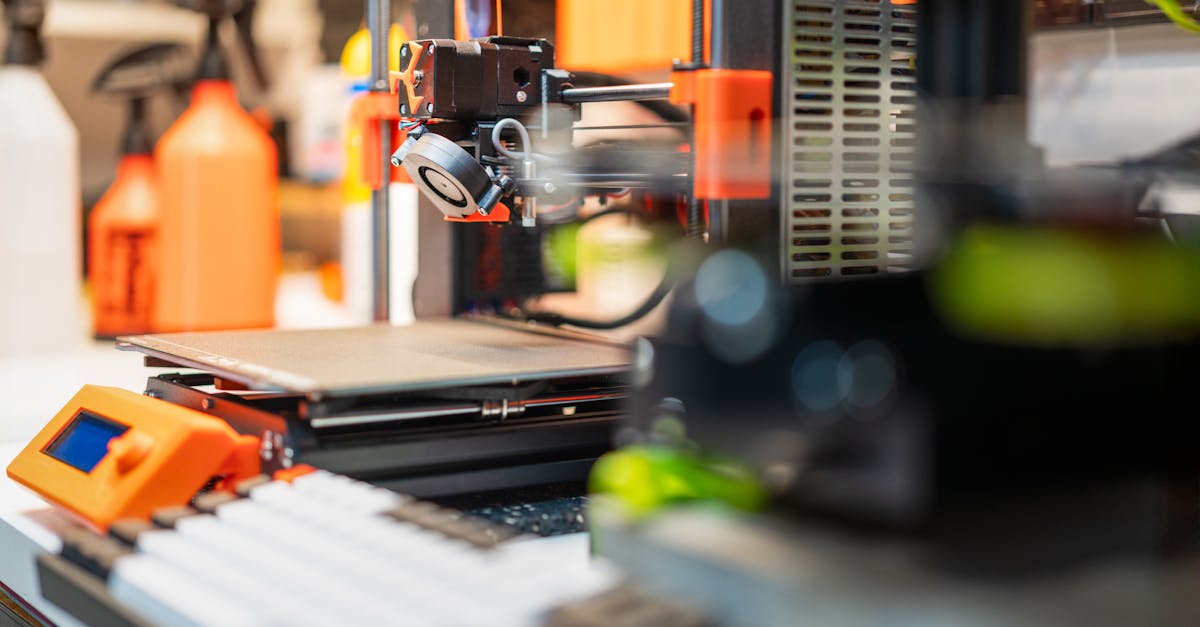
If you have ever finished a “quick” print and then stared at your shopping cart like it personally betrayed you, welcome. You are not bad at math. You are just human—and 3D printing loves to hide costs in plain sight. Spools look innocent until you start tracking failed prints, overnight jobs, and that one roll of specialty filament you bought because the color spoke to you. In 2026, whether you are printing for fun, for friends, or for a tiny Etsy-adjacent side project, the goal is the same: get close enough on cost that you can price fairly, budget calmly, and stop surprising yourself at checkout.
Start with the big picture: what “cost per print” really means
Most people jump straight to grams of filament. That is important, but it is only one slice of the pizza. A useful mental model is three buckets: material, time on the machine, and everything else (electricity, wear, tape, alcohol wipes, the emotional toll of bed adhesion). You do not need NASA precision on day one. You need a repeatable habit: run a quick estimate, write it down, compare it to reality next month, adjust.
That is where our 3D printing cost calculator comes in handy—it helps you translate grams, hours, and rough rates into a number you can actually talk about out loud without whispering.
Filament: grams lie, habits do not
Slicers usually tell you an estimated weight, but real life includes retractions, ooze, and the ghost prints you pretend never happened. I like using a 3D printing filament calculator when I am comparing spools, densities, or trying to answer the classic question: “If I print this phone stand for everybody at the office, how fast do I burn through this roll?”
A tiny habit that saves arguments later
Pick one default material profile for estimates—even if you sometimes print PETG or something fancier. Consistency beats pretending you will always optimize perfectly. Once your estimates feel stable, then you can get playful with specialty materials.
Print time: the sneaky multiplier
Time is money in a print farm, but even for hobbyists, time is attention. Long prints tie up the machine, increase risk of something going sideways at hour nine, and quietly shape what you can promise customers. A 3D print time calculator is a great sanity check when you are deciding between “cool but slow” and “boring but shippable.” If you are running a small volume business, this is also where you learn whether your pricing is accidentally subsidizing your patience.
Flow rate: when the math gets spicy (in a good way)
If you have started experimenting with hotter layers, bigger nozzles, or pushing speed, you have probably seen people argue online like flow rate is a personality trait. In practice, flow tweaks can change throughput and surface quality in ways that matter for cost—especially if you are trying to shorten cycle times without sacrificing something you care about. Our 3D printing flow rate calculator is not a substitute for tuning your machine carefully, but it can help you think in structured terms instead of vibes-only tuning.
Hobby vs. selling: the boundary that changes your questions
If you are printing for yourself, “good enough” estimates are genuinely good enough. If you are selling, your questions shift: refunds, rework, packaging, and the time you spend messaging buyers all deserve a line item somewhere—even if that line item is just a margin you add on top until you have better data. If you are also juggling broader money questions, our side hustle calculator guide for 2026 pairs nicely with maker math because it reminds you to zoom out occasionally.
Where calculators stop (and your slicer starts)
Calculators are a map, not the terrain. Your slicer, firmware, ambient temperature, filament brand, and bed prep all change outcomes. Use tools to bracket decisions, then verify with a couple of real prints and—if you are selling—with receipts. For a plain-English take on how we think about estimates on this site, peek at why we publish estimates (and where they stop).
Your “next print” checklist (no guilt, just clarity)
- Run a cost pass before you promise a delivery date.
- Compare filament math when switching materials or vendors.
- Re-check time when you change layer height, infill, or nozzle size.
- Revisit flow assumptions when you intentionally chase speed.
If you want one place to browse related tools, start at our calculators directory and bookmark what matches your workflow. The best setup is the one you will actually use next Tuesday—not the one that looks perfect in a screenshot.